
iOS & iPadOS
Your cloud on
iPhone and iPad.
Open documents on the move, share them in a few taps and keep the files you need available offline — with the same protection as on your desktop.

App
ownCloud Online (ownCloud GmbH)
Version
12.6.1
Requires
iOS / iPadOS 15.4 or later
Download size
68.9 MB
Languages
21, including German and English
Price
Free — subscription required
Please install ownCloud Online by ownCloud GmbH. This is the app for hosted clouds like yours. The similarly named community app is meant for self-hosted servers and will not work here.
Set up
- Install ownCloud Online from the App Store.
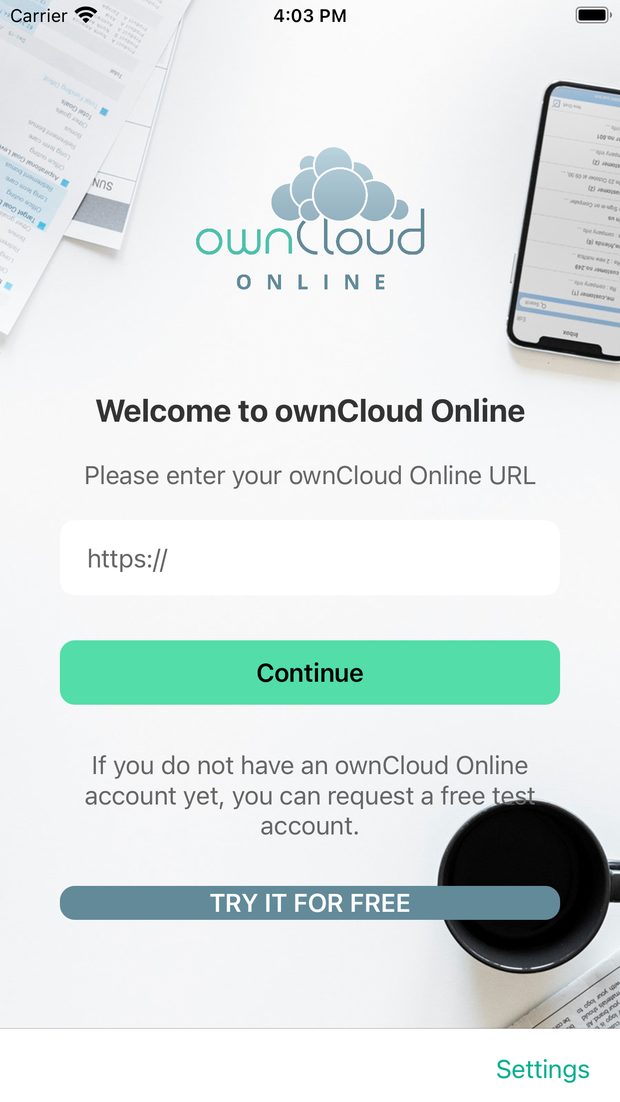
- Enter the address of your cloud, for example
https://yourcompany.owncloud.online. - Sign in with your username and password — with two-factor authentication, use an app password. The file view opens and you are connected.
What it does
All your files
Browse folders, search your account and sort as you like — with previews for images and documents.
Share in a few taps
Share files with colleagues or create a public link, straight from the file list.
Available offline
Mark files and folders as available offline and open them without a connection — on the train or on a plane.
Quick Access
Recents, favourites, offline files and shares, plus filters by type: PDFs, documents, images, videos and audio.
Read documents right away
PDFs open directly in the app with a page overview, so you do not have to scroll through 70 pages.
Works with the Files app
Your cloud shows up in the iOS Files app, so other apps can open and save files there too.
Locked on the device
An additional passcode protects the app, and unused local copies can be deleted automatically.
Made for iPad
On the iPad you can open two windows side by side and drag files between them.
What it looks like
Welcome screen: enter your cloud address
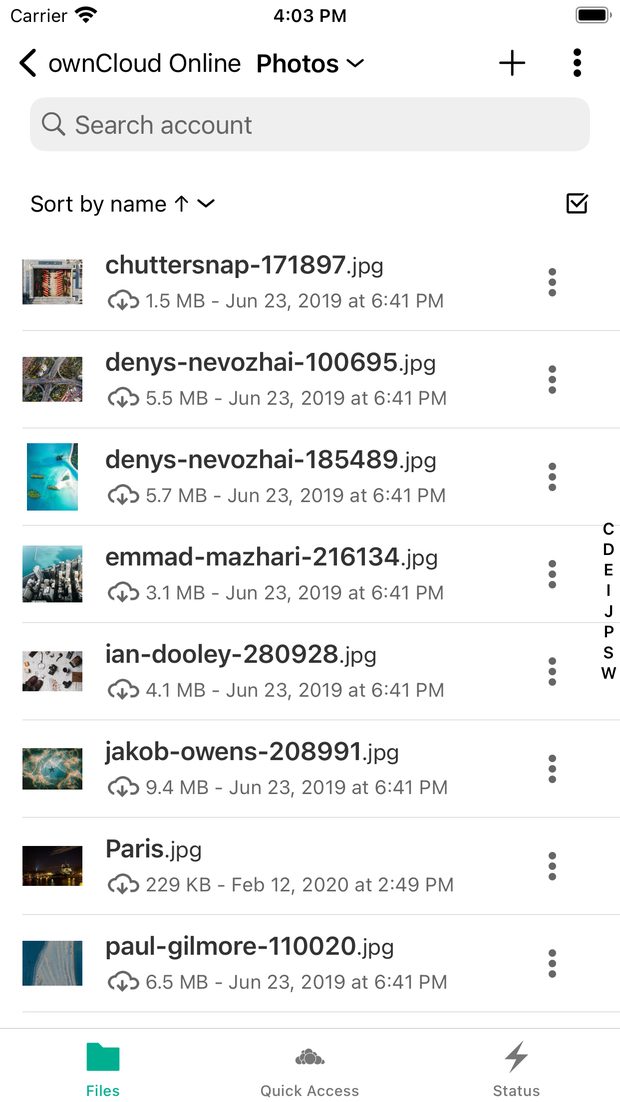
Your files with previews
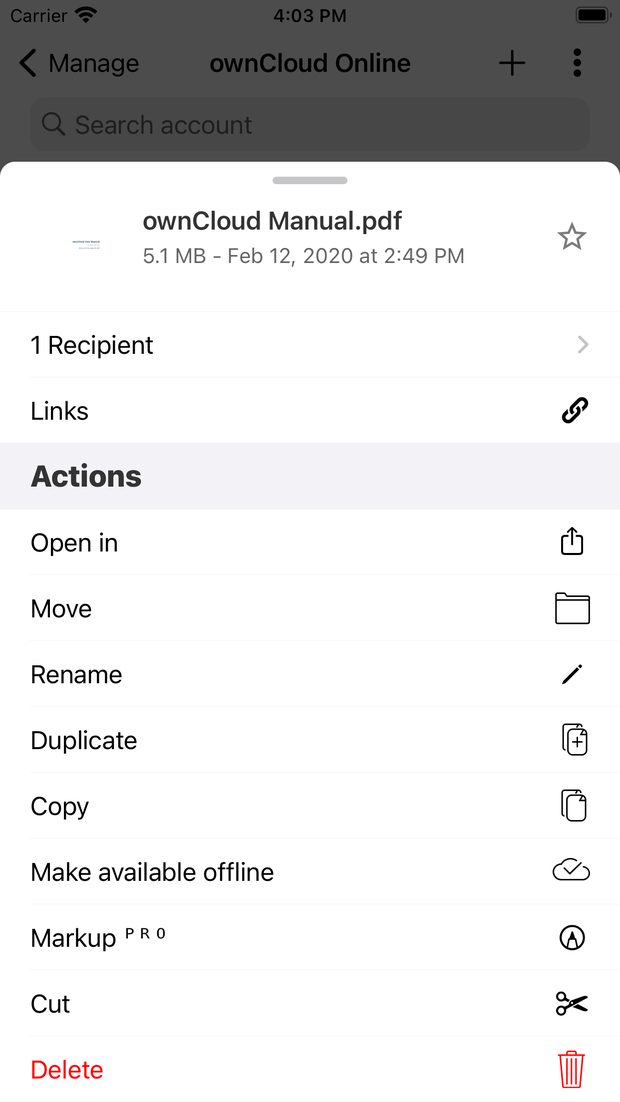
Actions for a single file
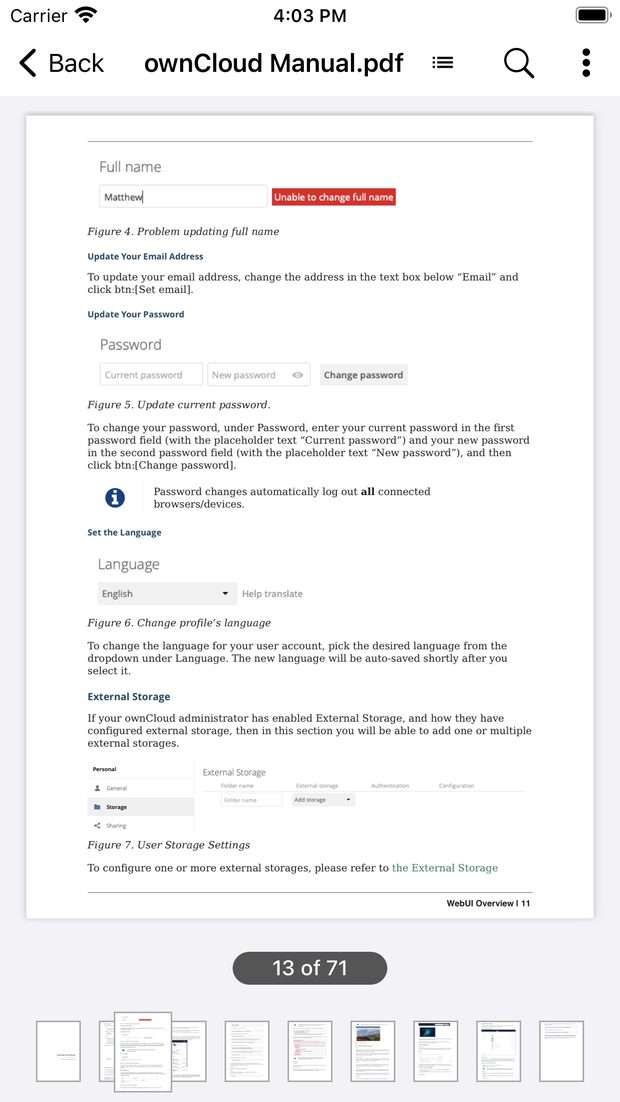
PDFs with a page overview
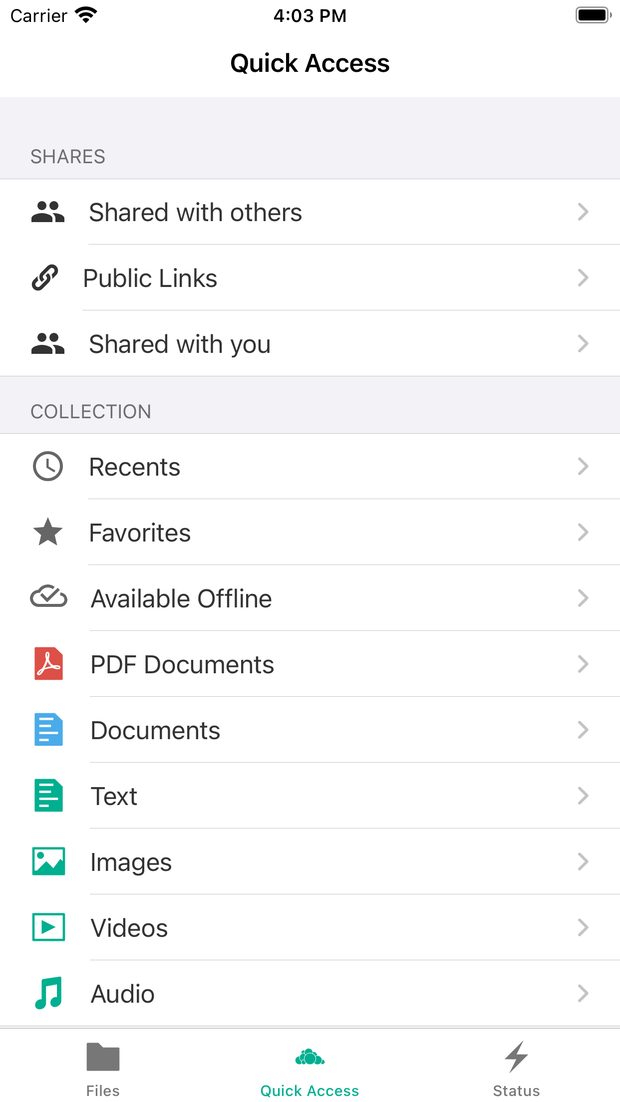
Quick Access with filters
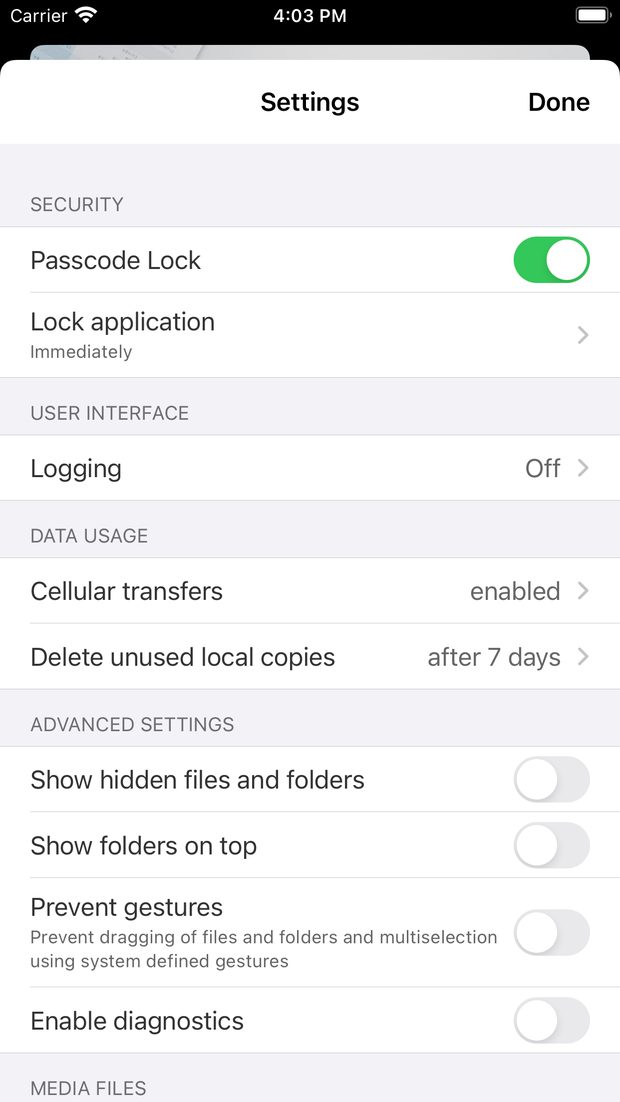
Settings including passcode lock
Good to know
Which app is the right one?
The app called ownCloud Online from ownCloud GmbH. Apple lists a second, similarly named app for self-hosted servers — that one is not suitable for your hosted cloud.
I use two-factor authentication. How do I sign in?
Create an app password in the web interface under Settings → Security and enter that in the app instead of your normal password.
How do I get files onto my iPhone without a connection?
Mark the file or folder as available offline. The app downloads a local copy and keeps it up to date whenever you are online.
Does the app cost anything?
No. The app is free; you only need an active ownCloud.online subscription.
Also available for
Stuck somewhere?
Our support team is based in Germany and answers in German and English — usually within a few hours.

Your personal contact
Stefan Noack