
Compare ownCloud.online and Dropbox
Despite encryption, Dropbox has access to your data. Find out here what that has to do with US authorities and how ownCloud.online does it better.
“Unlike Dropbox and other similar programs, ownCloud differs from them by providing the user with full control over their data”
Dropbox has control over your data. Don’t let that happen.
Maximum Security Through End-to-End Encryption and Zero Knowledge
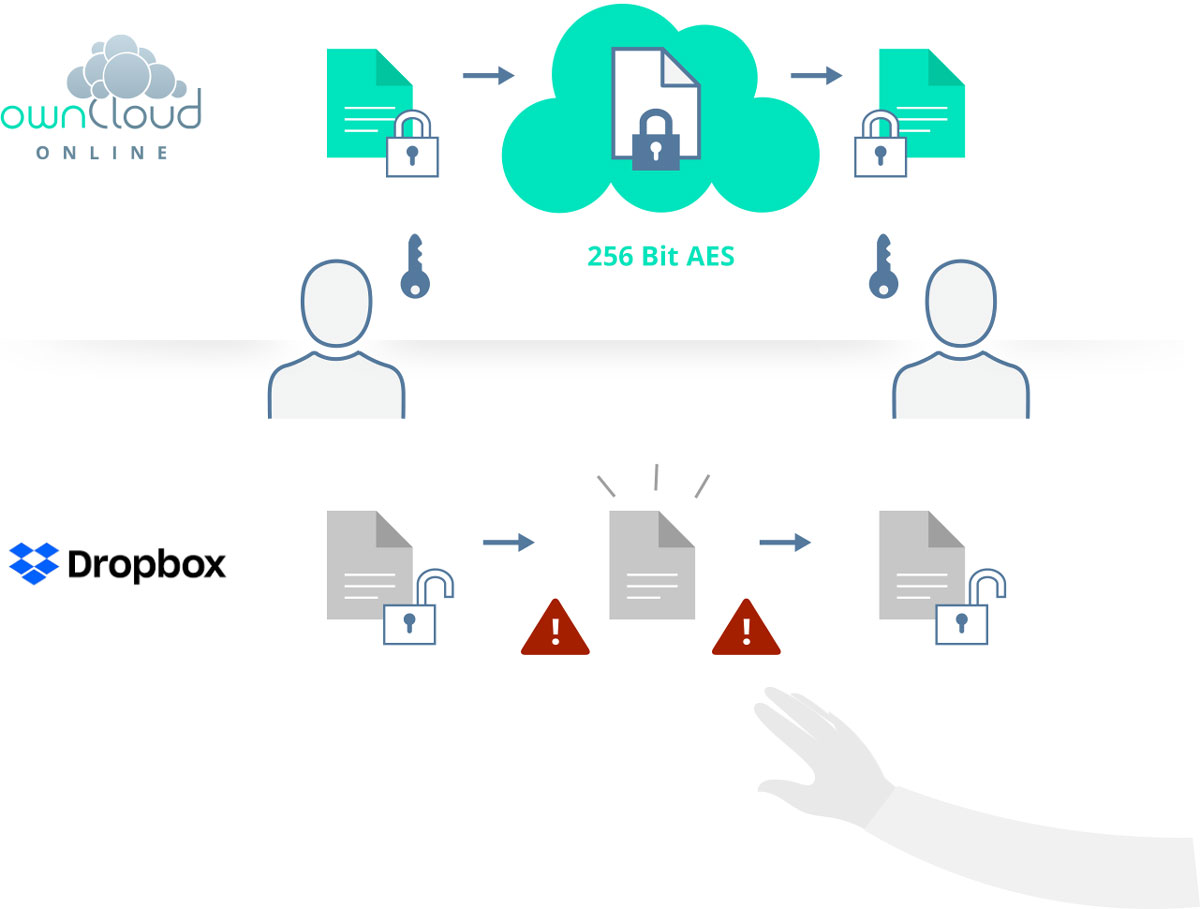
Dropbox does store your data in encrypted form. The decryption keys, however, are stored centrally as well, so Dropbox has access to your sensitive data at any time.
ownCloud.online offers comprehensive protection against unauthorised access of any kind, with end-to-end encryption switched on and the zero-knowledge principle. It allows encrypted files to be exchanged with internal and external users alike.
Outlook Integration
Integrate your cloud directly into your e-mail traffic. Instead of an e-mail attachment, the Outlook plug-in automatically links to the corresponding file in ownCloud. Users do not have to leave their familiar workflow. The plug-in is fully integrated into Outlook, easy to use and works with secure SSL encryption.
Your data therefore stays safe in your cloud instead of being sent around separately and unprotected.
German Company and Server Location
Legal constructs such as the CLOUD Act passed in 2018 force US-based cloud providers such as Dropbox to grant US authorities access to your data on request. There is no such legal intrusion into your privacy at ownCloud.online.
Thanks to the German company and server location, your data is subject to German data protection law, which is one of the most advanced in the world. Your data is therefore protected not only technically but also legally.

Lightning-Fast Support
In your cloud you store the data and documents your business rests on. But what do you do when something goes wrong? You will look for a support hotline at Dropbox in vain – you are on your own.
With ownCloud.online, competent support is included. Within 24 hours we help you until your problem is solved.
Unlimited Traffic
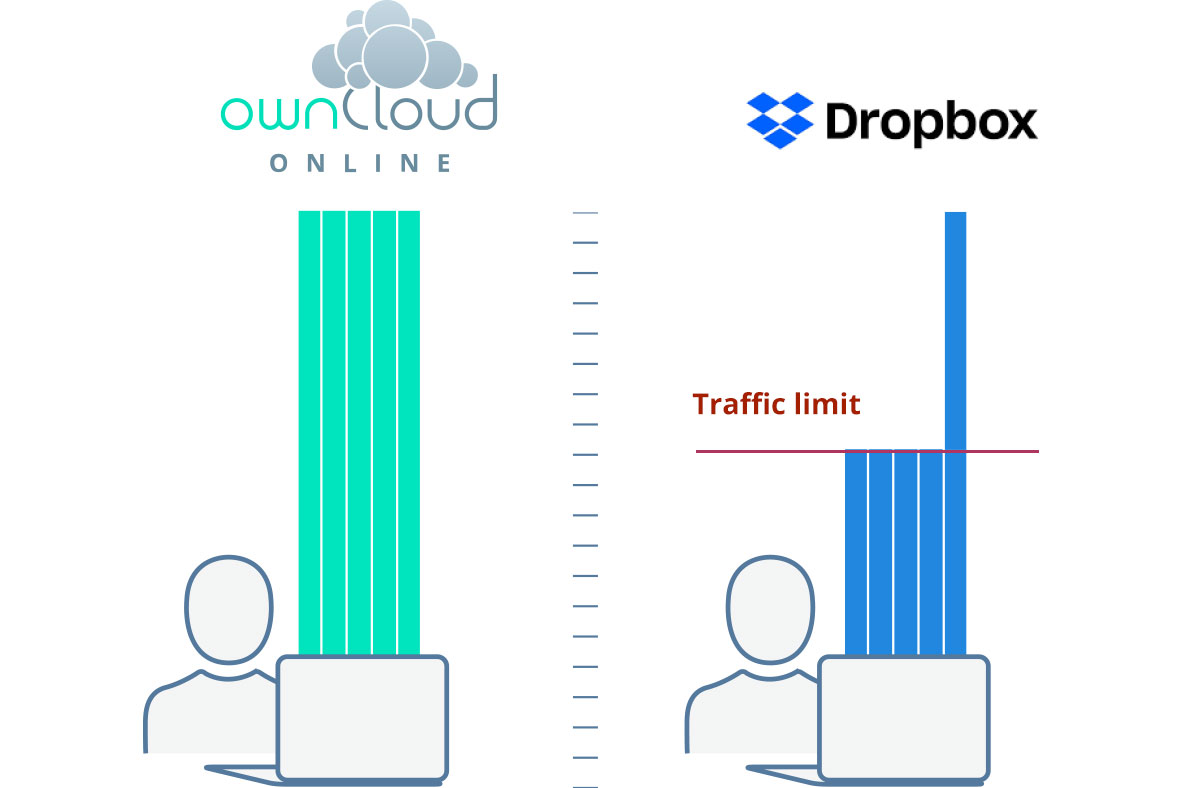
You entrust all of your data to your cloud, and you want fast access to it at any time. Providers such as Dropbox throttle your transfer speed once you pass a certain limit.
With ownCloud.online there are no limits: you access your data at any time with the full bandwidth available to you. That is the only way reliable and comfortable working can look.
ownCloud.online: More Secure and More Cost-Efficient
ownCloud.online offers a wide range of security-related features and a level of comfort that is completely unknown to Dropbox users. Benefit from a data-protection-compliant solution with far lower total costs.
 ownCloud Online
|
 Dropbox
|
|
|---|---|---|
| Pricing | ||
| Cost per user per month | 13 € | 15 € |
| Security & Encryption | ||
| Server location | Germany | US |
| Encrypted file transmission | ||
| Multi-factor authentication (2FA) | ||
| End-to-end encryption | ||
| Custom password policies | ||
| Upload filter | ||
| Single-tenancy | ||
| Mobility | ||
| Desktop client for all platforms | ||
| Free mobile app (iOS + Android) | ||
| Web interface | ||
| Photo upload | ||
| Collaboration | ||
| Custom branding | ||
| Unlimited file versioning | ||
| Unlimited trashbin | ||
| Outlook integration | ||
| Teams (user defined sharing groups) | ||
| Large file support | unlimited | max. 20 GB |
| Unlimited traffic | ||
| Sharing | ||
| Password protected links | ||
| Links with expiration date | ||
| FileDrop | ||
| Free guest accounts | ||
| Support | ||
| Support | 9×5, 2h reaction time | – |
| Free trial | 30 days | 30 days |
| On-premises migration possible | ||
| Setup assistance | ||
Based on publicly available information. If you have any comments regarding a necessary update of the overview, please contact us at support@owncloudonline.com.
Secure Sharing and Collaboration
In addition to end-to-end encryption, many further security-related functions are available to support you in your work. Have you come across the FileDrop feature yet?
App and Desktop Client
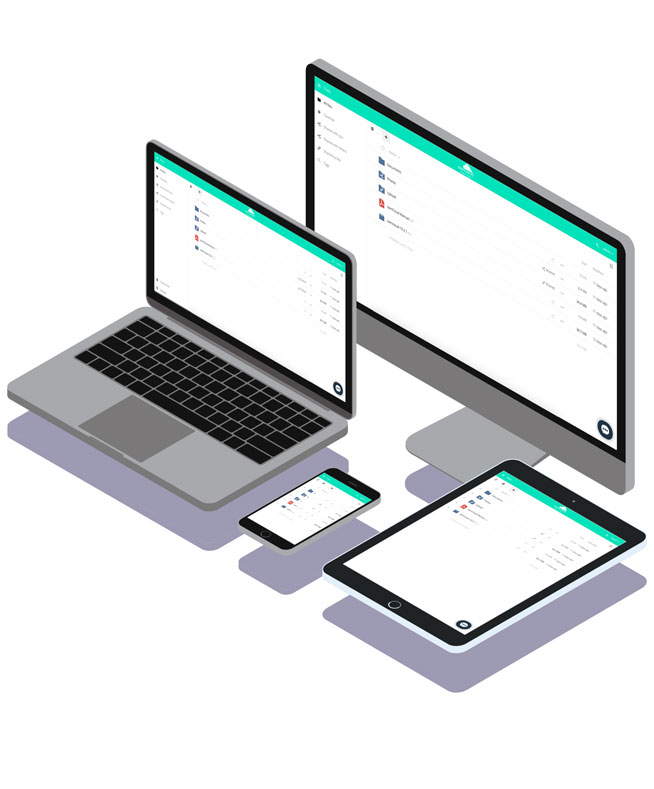
Use the free desktop client and the app for iOS and Android to work on your files while you are on the move.
- Activity stream & notifications
- Federated Cloud Sharing
- Advanced sharing options
- Guest accounts
- Teams
- Tag management
Two-Factor Authentication

Two-factor authentication locks attackers out – even when they have cracked your password.
- End-to-end encryption
- File firewall (upload filter)
- Password policies
- German server location
- Certified data centres
- Two-factor authentication
Anti-Virus
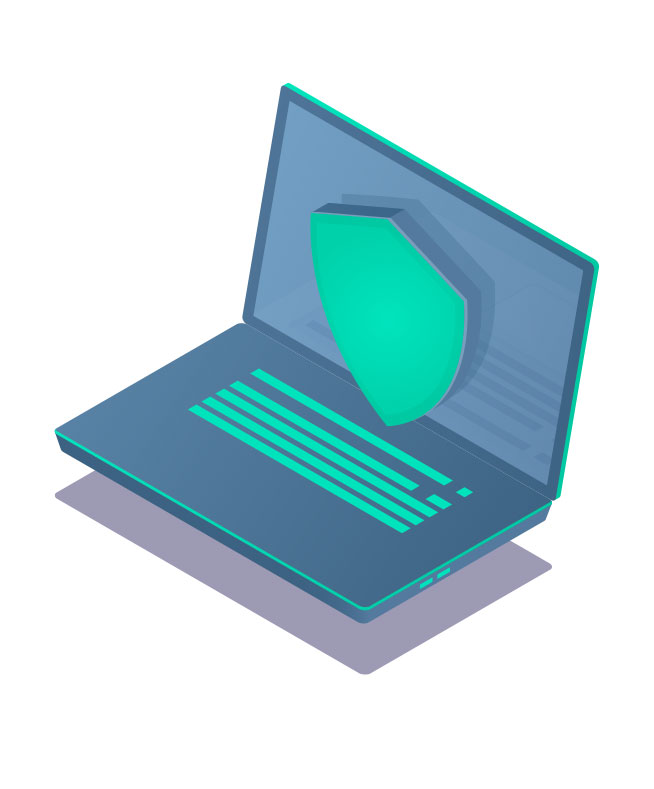
We check every file for viruses and malware before it is uploaded. Even if a PC is infected, your files stay protected in the cloud.
- Anti-virus
- Backup included
- File versioning & recycle bin
- Professional support
- Workflows
- On-premises migration
“Unlike Dropbox and other similar programs, ownCloud differs from them by providing the user with full control over their data”